Resposta rápida
Para manter o foco no trabalho, torne a concentração uma parte repetível do dia de trabalho, em vez de depender da força de vontade depois que as interrupções já começaram. Defina um resultado para cada bloco de foco, reserve tempo para ele, agrupe as comunicações de rotina, dê às reuniões um objetivo claro e realize o trabalho que exige maior concentração longe de conversas e movimentos previsíveis. Reveja a rotina regularmente e altere o espaço de trabalho apenas quando a mesma barreira ambiental persistir após mudanças práticas na equipa e na disposição do espaço.
Última atualização: 22 de julho de 2026 | Autor: Richard | Tempo estimado de leitura: 9 minutos
Integre o Foco no Dia de Trabalho Antes de Precisar Dele
Manter o foco é mais fácil quando as condições para a concentração são preparadas antecipadamente. Uma rotina útil abrange quatro níveis ao mesmo tempo:
| Nível de foco | Hábito preventivo | O que protege |
|---|---|---|
| Tarefa | Definir um resultado observável antes de começar | Direção e impulso |
| Calendário | Reservar um bloco realista com início e fim claramente definidos | Tempo ininterrupto suficiente para progredir |
| Comunicação | Agrupar mensagens de rotina e divulgar um canal para assuntos urgentes | Atenção face à verificação reativa |
| Espaço de trabalho | Adequar o ambiente à tarefa e à duração prevista da sessão | Concentração face a conversas, movimento e interrupções casuais |
O objetivo não é eliminar todas as interrupções. É impedir que interrupções previsíveis possam alcançar todas as tarefas a qualquer momento.
1. Defina um Resultado Concreto
Comece um bloco de foco com um resultado, não com uma intenção vaga. “Trabalhar na proposta” deixa demasiadas decisões em aberto. “Concluir a secção de preços e listar as três premissas que ainda precisam de revisão” dá ao bloco uma direção e um ponto de conclusão.
Escreva a próxima ação física numa frase. Mantenha pedidos não relacionados numa lista de registo para que não se transformem em novas tarefas apenas por terem surgido enquanto estava a trabalhar.
2. Proteja um Bloco de Foco Recorrente
Reserve o trabalho exigente para um horário que a equipa consiga realmente proteger. A melhor hora é diferente em cada local de trabalho; o elemento útil é estabelecer um limite repetível à sua volta.
Torne o bloco visível no calendário, mas não trate uma etiqueta no calendário como se fosse a solução completa. As pessoas à volta do colaborador também precisam de saber o que o bloco significa e como comunicar uma questão realmente urgente.
Evite colocar um bloco de foco entre várias reuniões curtas. Um intervalo fragmentado pode parecer disponível, mas deixar pouco tempo para começar, pensar e concluir um trabalho significativo.
3. Agrupe E-mails e Conversas de Rotina
Escolha períodos específicos para a comunicação de rotina, em vez de monitorizar continuamente todos os canais. Mantenha uma via separada para situações realmente urgentes, como uma chamada direta de um grupo definido de pessoas.
A regra deve ser partilhada. Se os colegas não souberem quando podem esperar uma resposta, desligar as notificações pode substituir a interrupção visível pela ansiedade sobre o que poderá passar despercebido. Uma norma simples da equipa para mensagens de rotina, para o próprio dia e urgentes torna o bloco de foco credível.
4. Defina Expectativas de Tempo de Resposta
As equipas mantêm-se mais facilmente focadas quando “urgente” tem uma definição prática. Decida quais as questões que exigem resposta na mesma hora, quais podem esperar até à próxima janela de comunicação e quais pertencem à fila do projeto.
Utilize indicadores de estado como sinal, não como substituto da regra. Os colaboradores não devem ter de justificar individualmente cada período de trabalho ininterrupto. Os gestores podem reforçar o hábito respeitando eles próprios o canal e a janela de resposta indicados.
5. Faça com que as Reuniões Justifiquem o Seu Lugar
Utilize reuniões para decisões, problemas, revisões ou dependências que beneficiam da presença simultânea das pessoas. Indique o resultado pretendido no convite e convide apenas as pessoas necessárias para o alcançar.
Nas reuniões recorrentes, retire da sessão ao vivo os relatórios de estado que podem ser lidos. Termine com um responsável e uma próxima ação. A melhor redução de reuniões é frequentemente uma reunião que já não precisa de existir, e não uma versão mais curta da mesma reunião.
Proteja pelo menos um bloco maior para trabalho que não pode ser concluído em fragmentos do tamanho de uma reunião. Redação, análise, programação, design e revisão detalhada precisam de tempo para criar contexto antes de produzirem um resultado útil.
6. Separe o Trabalho de Foco do Tráfego Visual e da Fala
Sempre que possível, coloque o trabalho que exige concentração longe das principais zonas de circulação, impressoras, pontos de café e áreas de colaboração. Estar virado para um corredor movimentado pode manter a atenção em modo de vigilância, mesmo quando ninguém interrompe diretamente.
A fala compreensível é particularmente difícil de ignorar porque transmite significado. Os biombos de secretária podem reduzir algum movimento visual, mas não proporcionam controlo acústico completo. Se as conversas nas proximidades continuarem claramente audíveis, combine alterações de layout com regras para zonas silenciosas, locais para chamadas ou acesso a um espaço fechado.
A Administração de Serviços Gerais dos EUA Guia de espaços de trabalho Sound Matters aborda a acústica de escritório como uma combinação de comportamento, design e tratamento acústico. É um lembrete útil de que é necessário manter o sistema envolvente, e não apenas adicionar uma barreira a uma secretária.
Nas conversas com compradores de espaços de trabalho da B&H Ergonomics’, as equipas referem frequentemente que as divisórias de secretária reduzem as linhas de visão, mas não impedem a fala inteligível. Normalmente, isto indica que se deve rever a disposição das atividades e as regras da equipa antes de adicionar mais barreiras às secretárias individuais.
7. Prepare o Posto de Trabalho para Toda a Sessão
Um posto de trabalho que funciona durante dez minutos pode não ser adequado para uma tarde de trabalho concentrado ao computador. Antes de começar, verifique se a cadeira, a superfície de trabalho, a posição do monitor, a iluminação, a alimentação elétrica e a ventilação são adequadas à sessão prevista.
Mantenha abertos apenas os recursos necessários para a tarefa atual. Feche os separadores não relacionados e coloque o material de referência num local previsível. Quando uma tarefa tiver de ser interrompida, deixe uma breve nota a descrever a ação seguinte, para que o regresso à mesma não exija reconstruir todo o contexto.
8. Utilize uma Rotina Consistente de Início e Fim
Uma pequena rotina de transição pode facilitar tanto a entrada como a saída do estado de concentração. Antes de começar, confirme o resultado pretendido, elimine distrações evitáveis e defina o estado de comunicação. No final, registe o que foi concluído, o que falta e a primeira ação seguinte.
Isto protege o próximo bloco de concentração do custo de reconstrução. Também dá aos colegas um sinal útil de progresso, sem exigir uma nova reunião de atualização ou um fluxo de atualizações durante o próprio trabalho.
9. Reveja a Rotina Antes de Comprar Mais Espaço de Trabalho
Reveja a rotina de concentração após uma semana normal de trabalho. Procure padrões repetíveis:
- As mesmas mensagens interrompem o mesmo tipo de trabalho?
- As reuniões continuam a dividir todos os blocos de tempo utilizáveis?
- As funções que exigem muita concentração ficam junto de fala ou movimento previsíveis?
- Um local mais silencioso melhora a concentração ou o problema acompanha a tarefa em qualquer lugar?
- As pessoas evitam o escritório porque é o único local onde conseguem concluir trabalho exigente?
Esta análise mantém a compra de um espaço de trabalho associada a uma necessidade recorrente. Também evita que um produto físico seja usado para compensar prioridades pouco claras, excesso de carga de trabalho ou a expectativa da equipa de disponibilidade constante.
Quando a Prevenção Não É Suficiente
Se estas rotinas estiverem implementadas, mas a atenção continuar a ser interrompida de forma previsível, comece por uma análise centrada nas causas, em vez de adicionar mais uma dica de produtividade. O nosso guia sobre porque perde a concentração no trabalho ajuda a identificar se a barreira restante é a tarefa, a comunicação digital, as reuniões ou o ambiente físico.
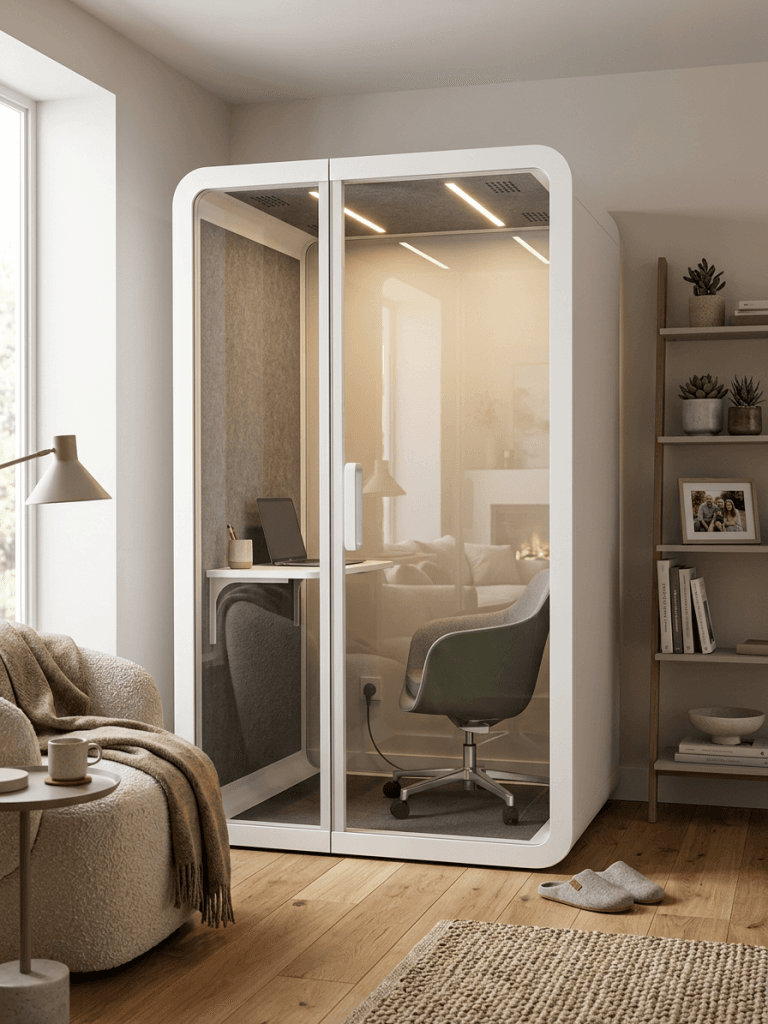
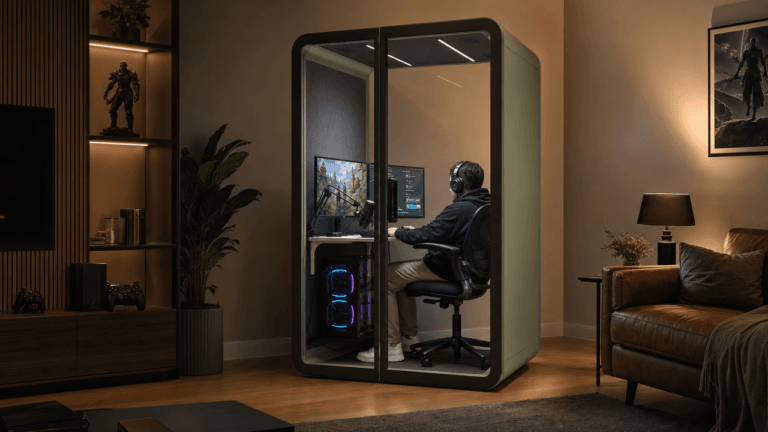
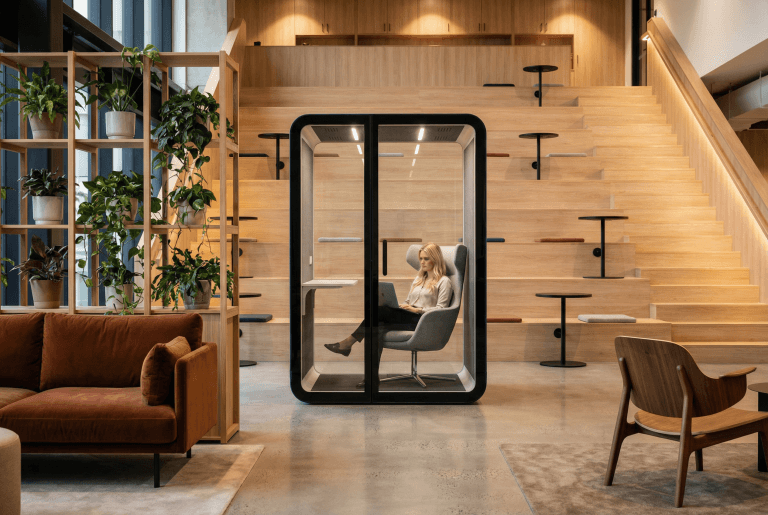
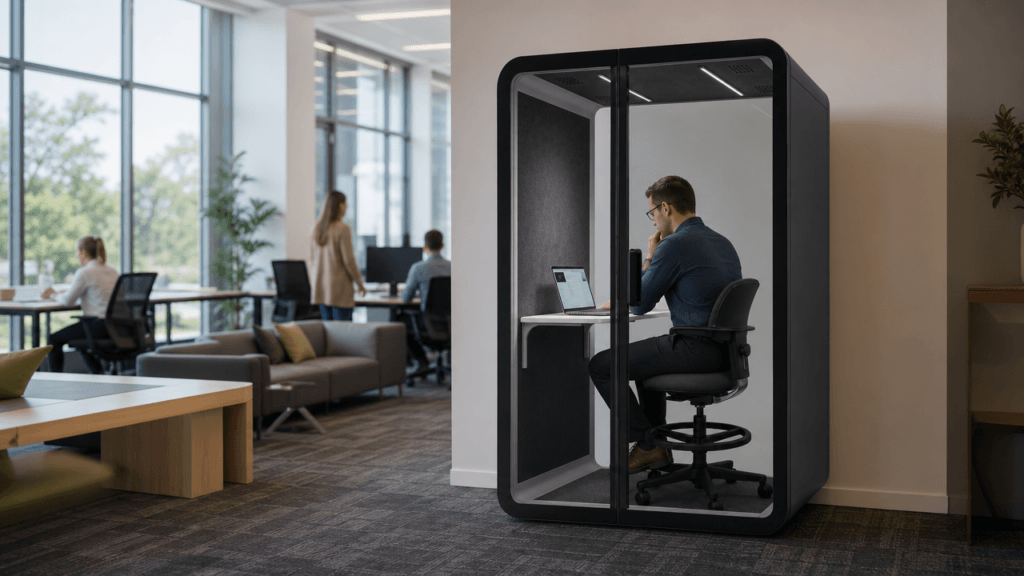
Quando o ambiente físico continua a ser o fator limitante após alterações razoáveis no layout e na equipa, uma cabine devidamente dimensionada cápsula de trabalho pode proporcionar capacidade dedicada para trabalho individual contínuo. Deve ser selecionada com base no equipamento, postura, duração da sessão e padrão de procura reais, e não como resposta predefinida a todas as queixas relacionadas com a concentração.

Sinais de que uma cabine de trabalho pode ser justificada
Considere criar capacidade de concentração em espaços fechados apenas quando todas estas condições se verificarem:
- os colaboradores realizam tarefas recorrentes que exigem concentração contínua;
- as salas silenciosas ou os escritórios fechados existentes não conseguem responder à procura;
- as regras de comunicação, alterações nas reuniões, mudanças de localização ou outros testes de baixo custo não eliminaram o mesmo obstáculo; e
- há pessoas suficientes que necessitam deste ambiente para que seja um recurso planeado do local de trabalho, e não um refúgio ocasional.
Se o problema for uma única tarefa mal definida ou um aumento temporário do volume de projetos, resolva primeiro o problema da tarefa ou do planeamento.
Uma lista de verificação semanal para manter a concentração
Utilize esta breve revisão no final de cada semana:
| Verificar | Questão | Ação se a resposta for não |
|---|---|---|
| Resultado | Cada bloco de concentração começou com um resultado concreto? | Reformule o bloco seguinte em termos de resultados |
| Calendário | O bloco teve tempo ininterrupto suficiente? | Elimine ou combine uma reunião de baixo valor |
| Comunicação | O canal de urgências funcionou conforme previsto? | Esclareça quem pode interromper e em que situações |
| Espaço de trabalho | O ambiente correspondeu à tarefa e à duração? | Mude a tarefa de local ou teste um espaço mais silencioso |
| Recuperação | A próxima ação está registada para o trabalho inacabado? | Deixe uma nota de passagem de uma frase |
A lista de verificação é deliberadamente curta. Um sistema de foco é mais fácil de manter quando pode ser revisto sem se tornar outro projeto administrativo.
FAQ
Como posso manter o foco no trabalho sem ignorar a minha equipa?
Separe a comunicação de rotina da comunicação urgente. Informe aos colegas de equipa quando irá verificar as mensagens, o que é considerado urgente e qual canal deve ser utilizado. Isto mantém a colaboração disponível sem permitir que cada atualização interrompa cada tarefa.
Quanto tempo deve durar um bloco de concentração?
Utilize o bloco mais curto que dê à tarefa tempo suficiente para criar contexto e produzir um resultado significativo. Uma tarefa de redação ou análise pode necessitar de um bloco mais longo do que a administração de rotina. O teste prático é verificar se o bloco termina com progresso útil, em vez de mais uma etapa de preparação.
Os auscultadores resolvem os problemas de concentração no local de trabalho?
Os auscultadores podem reduzir algum ruído de fundo e sinalizar um limite, mas não resolvem prioridades pouco claras, a fragmentação das reuniões, o movimento visual ou uma cultura de interrupções constantes. Considere-os um teste reversível, e não o plano completo para melhorar a concentração.
Uma cabine de trabalho substitui hábitos de concentração?
Não. Um pod de trabalho pode reduzir as interrupções do ambiente, mas não pode definir prioridades, controlar a carga de trabalho nem melhorar a qualidade das reuniões. É mais útil quando a organização já testou rotinas práticas e confirmou que o espaço de trabalho é o obstáculo recorrente.