Quick Answer
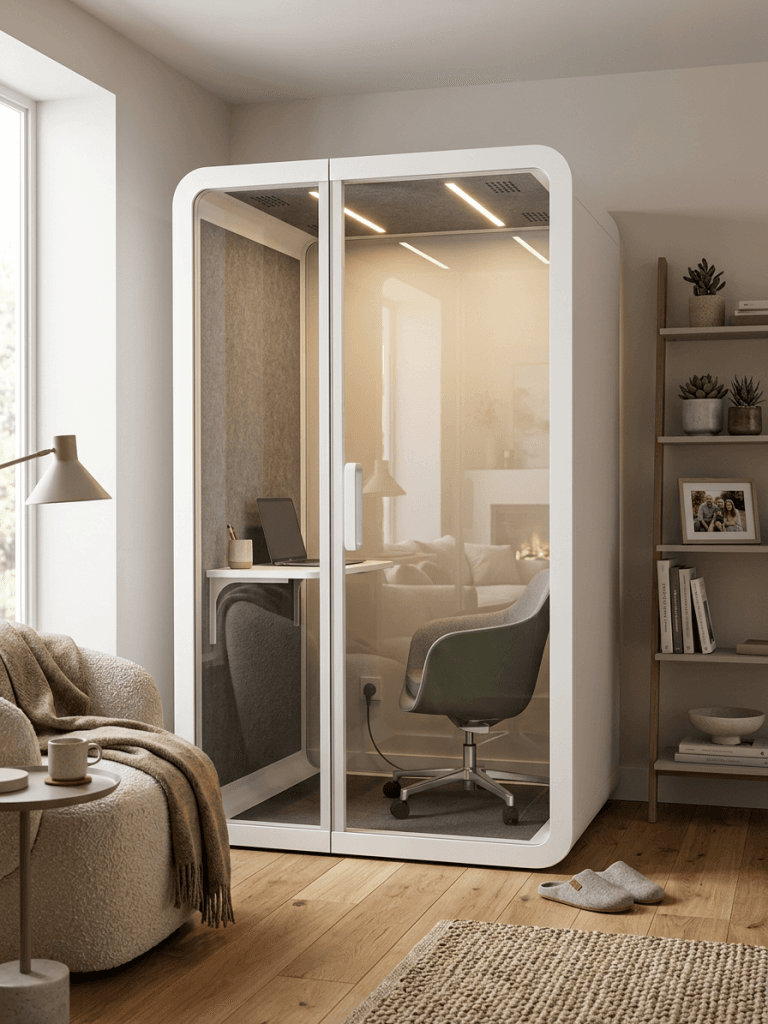
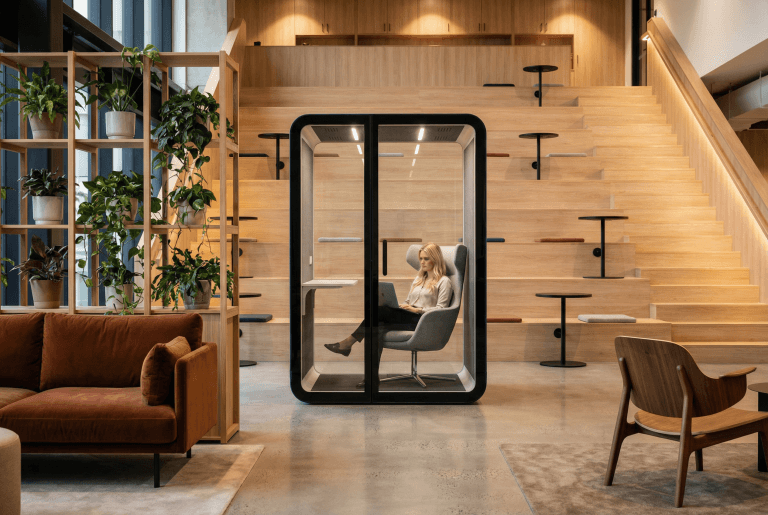
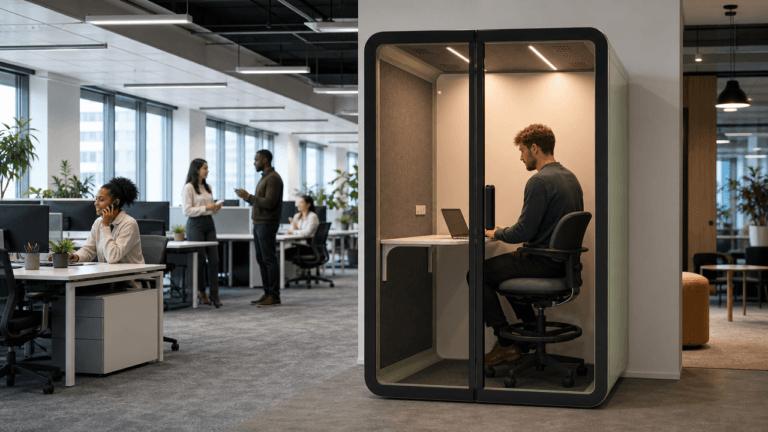
A gaming booth is an enclosed work pod adapted for gaming, streaming, and computer-based work at home. B&H Ergonomics generally recommends Elite-M when acoustic privacy is the priority and Flex-M when the buyer wants a balance of acoustic performance and budget. Oasis-M can be considered when the budget is tighter, although buyers should plan for a more time-consuming self-assembly process.
B&H Ergonomics can quote DDP door delivery to the United States, Canada, the United Kingdom, Australia, and EU member states, with unloading included. On-site installation is not included, so the customer is responsible for assembling the pod.
Last Updated: July 23, 2026 | Author: William | Review: Richard | Estimated Reading Time: 9 minutes
What Is a Gaming Booth?
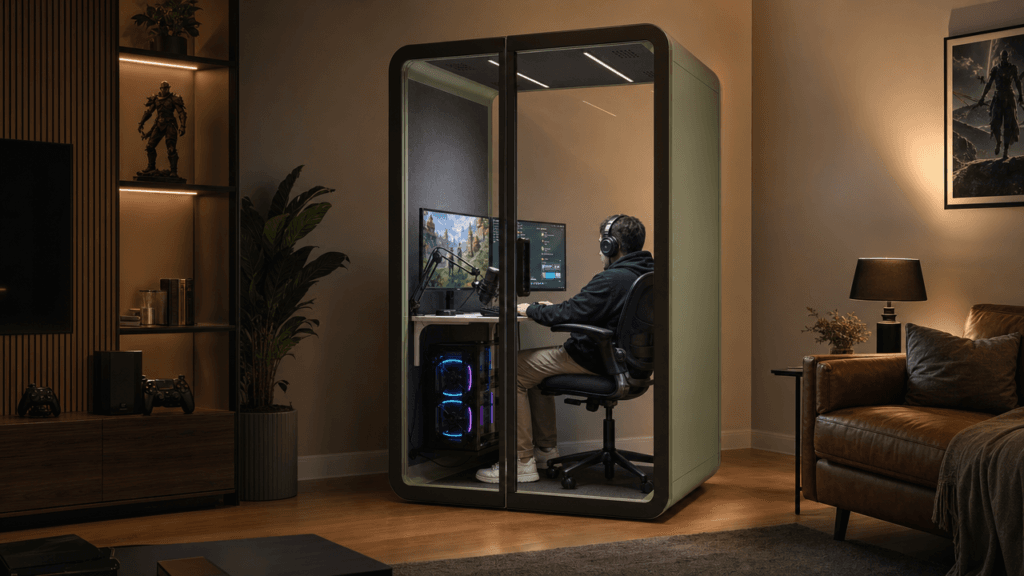
A gaming booth is not a separate product category. It is a home application of an enclosed work pod, configured around a gaming chair, desk, monitors, computer, microphone, lighting, power, and cable management.
The enclosure can reduce speech and equipment noise reaching the rest of the home while giving the user a dedicated place for gaming, streaming, remote work, or study. It should not be presented as a completely soundproof room. Acoustic performance depends on the model, installation, seals, ventilation path, placement, surrounding construction, and the type of sound being produced.
A gaming booth is most useful when the buyer needs a repeatable boundary inside an existing room. It is less suitable when the goal is to contain powerful subwoofers or avoid all audible sound outside the enclosure.
Is an Enclosed Gaming Pod Right for Your Home?
I usually start with the household problem rather than the product. An enclosed pod may be a sensible option when voice chat, streaming, keyboard noise, or late-night gaming regularly affects other rooms and there is enough indoor space for a modular enclosure.
| Home situation | Gaming booth fit | What to check first |
|---|---|---|
| Late-night voice chat disturbs other people | Strong potential fit | Acoustic expectation, booth placement, and the wall shared with bedrooms |
| Gaming and remote work share the same setup | Strong potential fit | Desk depth, monitor layout, camera position, and daily ventilation needs |
| A streamer needs a consistent visual and acoustic environment | Strong potential fit | Lighting, microphone position, fan noise, and cable routing |
| The only available area is a narrow hallway or tight corner | Needs careful review | Door swing, exterior clearance, ventilation clearance, and assembly access |
| The setup relies on loud speakers or a subwoofer | Limited fit | Use headphones where possible and do not treat a speech-reduction result as a bass-isolation guarantee |
| The buyer needs a professional music recording room | Usually not the right product | Review a purpose-built studio or recording enclosure instead |
Elite-M vs Flex-M vs Oasis-M for Home Gaming
All three models can be considered for an enclosed home setup, but they serve different priorities. The recommendation should begin with acoustic expectations, budget, and the buyer’s willingness to handle assembly.
| Model | Best fit for home gaming | Confirmed acoustic information | Main tradeoff |
|---|---|---|---|
| Elite-M | Buyers who place acoustic privacy first and want the preferred higher-performance option | ISO 23351-1 Class A with 33 dB speech level reduction (40-45 dB by B&H) | Higher project budget than an entry-level option |
| Flex-M | Buyers who want a practical balance of acoustic performance and budget | 30.7 dB speech level reduction reported by ISO 23351-1(35-40 dB by B&H) | Does not replace a site-specific acoustic assessment |
| Oasis-M | Buyers whose main constraint is upfront budget | 32-36 dB by B&H Team | More time should be allowed for self-assembly |
Elite-M is the first model to review when reducing gaming voice transmission is the main concern. Flex-M is usually the balanced recommendation for everyday gaming, streaming, and computer work. Oasis-M remains a viable budget-conscious option when the customer is comfortable with a longer assembly process.
The Elite-M and Flex-M figures describe speech level reduction, not a promise that every sound will be reduced by the same amount in a home. Acoustic results vary by test method, installation, site conditions, and measurement setup. Ask B&H Ergonomics to identify the applicable test information on the quotation when acoustic performance is a deciding factor.
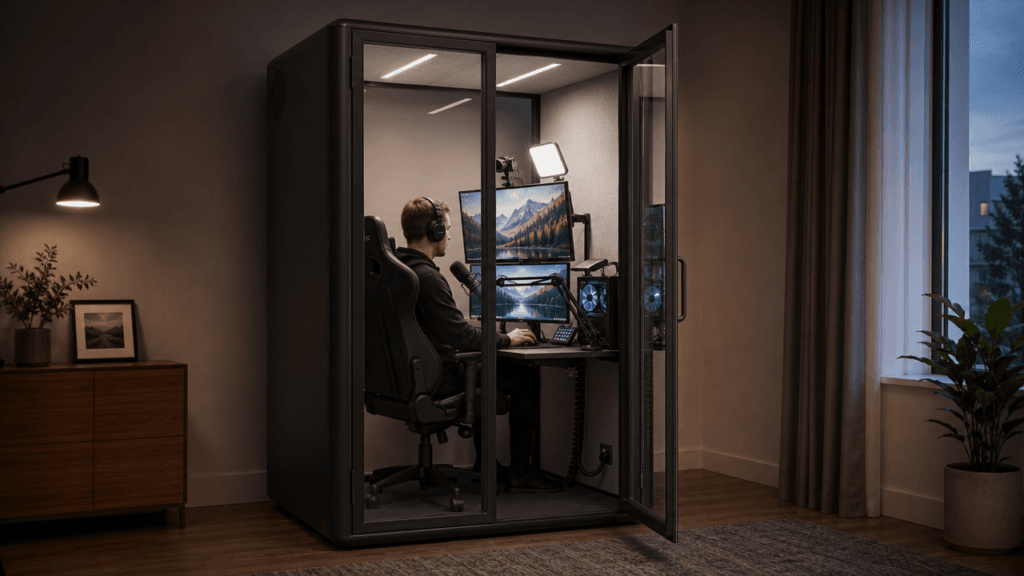
Will Your Gaming Desk, Chair, and Monitors Fit?
External pod dimensions only show whether the enclosure fits the room. Internal net dimensions determine whether the gaming setup will be comfortable. Obtain the current model drawing before ordering and map the usable interior area on the floor.
Measure the equipment in its operating position, not its stored position:
| Item | Measurement to record | Why it matters |
|---|---|---|
| Desk | Width, depth, height, and underside clearance | Determines monitor distance, legroom, and cable-spine placement |
| Gaming chair | Width plus full recline and roll-back envelope | Prevents the chair from striking the door, desk, or rear wall |
| Monitors | Total width, height, stand depth, and arm movement | Confirms sight distance and clearance from walls or glass |
| Computer tower | Operating footprint and ventilation clearance | Keeps intake and exhaust paths unobstructed |
| Streaming equipment | Camera, microphone arm, lights, and control deck reach | Prevents equipment from competing with the chair and monitors |
| Door | Swing direction and clear opening | Affects furniture placement and entry access |
| Ventilation points | Required clear area around inlets and outlets | Reduces the risk of furniture or loose cables blocking airflow |
If the layout only works when the chair is pushed against a wall or a computer exhaust is placed directly against a panel, revise the setup before ordering. A slightly smaller desk or a monitor arm can sometimes create more useful space than choosing equipment by screen count alone.
Plan Ventilation, Power, and Internet Before Ordering
A gaming computer, displays, lighting, and the user all add heat inside an enclosure. Exact ventilation performance must come from the current model specification; it should not be estimated from the number of visible fans.
Ask for the following information before choosing a model:
- ventilation arrangement and control method;
- expected fan-noise behavior during gaming or microphone use;
- required clearance around air inlets and outlets;
- available outlet configuration and local plug type;
- the pod’s electrical connection requirements;
- a safe route for power, display, audio, and network cables;
- access for future cleaning and equipment replacement.
Match the computer and accessories to the available electrical supply. If circuit capacity or local electrical requirements are uncertain, have the proposed setup reviewed by a qualified electrician rather than relying on extension leads or improvised adapters.
For internet access, wired Ethernet is usually easier to troubleshoot for gaming and streaming, but the cable route needs to be planned before assembly. If Wi-Fi will be used, test signal strength at the intended pod location rather than assuming the enclosure will have the same reception as the open room.
Use a Cable Spine for a Cleaner, Serviceable Setup
B&H Ergonomics recommends using a cable spine to guide cables from the underside of the desk toward the pod’s power or cable-entry point. This keeps loose cables away from the chair casters, door, ventilation openings, and walking area.
A practical cable plan should:
- Group the monitor, computer, microphone, lighting, charging, and network cables by destination.
- Fix the upper end of the cable spine beneath the desk where it will not interfere with knees or chair arms.
- Route the lower end toward the intended power or cable-entry point without crossing the doorway.
- Leave enough service slack for desk access and monitor-arm movement.
- Use removable ties or labels so individual equipment can be replaced without dismantling the entire cable bundle.
- Keep the cable spine and spare cable length clear of ventilation openings and moving door hardware.
Confirm the power-entry position on the selected model drawing before choosing the cable-spine location. A neat cable route is useful only when it remains accessible for maintenance.
What Does “Soundproof Gaming Booth” Mean in Practice?
“Soundproof gaming booth” is common buyer language, but complete sound isolation is not a realistic promise for a modular pod. Speech-reduction data is more useful because it identifies a measured acoustic outcome and its test context.
Elite-M’s stated result is ISO 23351-1 Class A with 33 dB speech level reduction, 30.7 dB speech level reduction for Flex-M. These results help compare models, but they do not predict every home condition or every type of gaming sound.
Voice chat, keyboard noise, cooling fans, speakers, and low-frequency effects behave differently. Headphones are the better choice when the household is sensitive to game audio or bass. Pod placement also matters: avoid treating direct contact with a bedroom wall as equivalent to placement in a separate room with more distance from sleeping areas.
Before requesting a quote, describe what other household members currently hear, when gaming usually occurs, which room will contain the pod, and whether speech, game audio, or equipment noise is the main concern. That information is more useful than asking whether the product is simply “soundproof.”
DDP Home Delivery, Unloading, and Self-Assembly
B&H Ergonomics can provide a DDP door-delivery quotation for the United States, Canada, the United Kingdom, Australia, and EU member states. The quoted service can include unloading at the agreed delivery point. It does not include on-site installation, and the customer is responsible for assembling the gaming booth.
The International Chamber of Commerce explanation of DDP helps clarify the broader import-duty and delivery responsibility behind the term. The named delivery place and unloading service should still be written clearly into the B&H quotation because “door delivery” does not by itself describe final-room placement, stair handling, unpacking, or assembly.
| Responsibility | Planned scope |
|---|---|
| DDP quotation | Available for the United States, Canada, United Kingdom, Australia, and EU member states |
| Delivery destination | The named home delivery point stated in the quotation |
| Unloading | Included when specified in the B&H quotation |
| Moving components to the final room | Confirm the exact handoff point before ordering |
| On-site installation | Not included |
| Pod assembly | Customer responsibility |
Before confirming an order, measure the full route from the unloading point to the installation room. Record exterior doors, hallways, corners, stairs, elevators, ceiling restrictions, and the final assembly area. Ask for current package information and the assembly manual for the selected model.
Elite-M and Flex-M are the preferred home recommendations. Oasis-M can reduce the initial product budget, but customers should allow more time for assembly; follow the current model manual and confirm what tools and helpers are required.
Information to Include in Your Quote Request
A useful quotation starts with the installation conditions, not only the preferred color. Send B&H Ergonomics:
- delivery country, city, and postal code;
- preferred model: Elite-M, Flex-M, or Oasis-M;
- intended room and available floor area;
- doorway, hallway, stair, and elevator constraints;
- desk, chair, monitor, computer, and streaming-equipment measurements;
- preferred power and network arrangement;
- the main acoustic concern: voice, game audio, equipment noise, or mixed use;
- confirmation that the customer will self-assemble;
- any access restrictions at the unloading point.
For broader model and project questions, use the B&H Ergonomics work pod selection guide before finalizing the request.
FAQ
Is a gaming booth completely soundproof?
No. A gaming booth can improve acoustic privacy and reduce speech transmission, but it should not be described as completely soundproof. Performance varies with the model, test method, installation, placement, surrounding construction, and sound source.
Which B&H model is best for a home gaming booth?
Choose Elite-M when acoustic privacy is the main priority. Choose Flex-M for a balance of acoustic performance and budget. Consider Oasis-M when the initial budget is tighter and a more time-consuming self-assembly process is acceptable.
What do the Elite-M and Flex-M acoustic figures mean?
Elite-M is specified as ISO 23351-1 Class A with 33 dB speech level reduction. B&H Ergonomics reports 30.7 dB speech level reduction for Flex-M. These are speech-reduction results, not guarantees of total silence or identical performance in every home.
How should cables be managed inside a gaming pod?
Use a cable spine between the underside of the desk and the pod’s planned power or cable-entry point. Keep the route away from chair casters, the doorway, ventilation openings, and moving hardware, and leave accessible service slack for equipment changes.
Does DDP delivery include installation?
No. For the listed markets, B&H Ergonomics can quote DDP door delivery with unloading included, but on-site installation is not included. The customer must assemble the pod and should confirm the unloading point, internal transport route, tools, and assembly requirements before ordering.