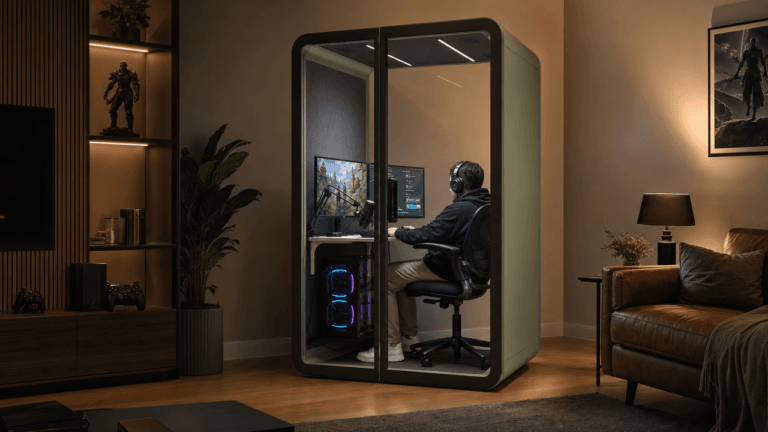
Working from home can expose different kinds of distraction at the same time: notifications, household conversations, interruptions at the door, and a workspace that also serves everyday family life. Start by identifying which interruptions occur repeatedly and which tasks they prevent you from completing.
Address each cause with a suitable change. Digital settings can reduce avoidable alerts, household agreements can make working hours clearer, and a separate setting can create a physical boundary for calls or concentration. Test those changes before committing to a new room or enclosure; a garden office is one option when the property and working pattern support it.
Last Updated: Oct, 2025 | Estimated Read Time: 11 minutes
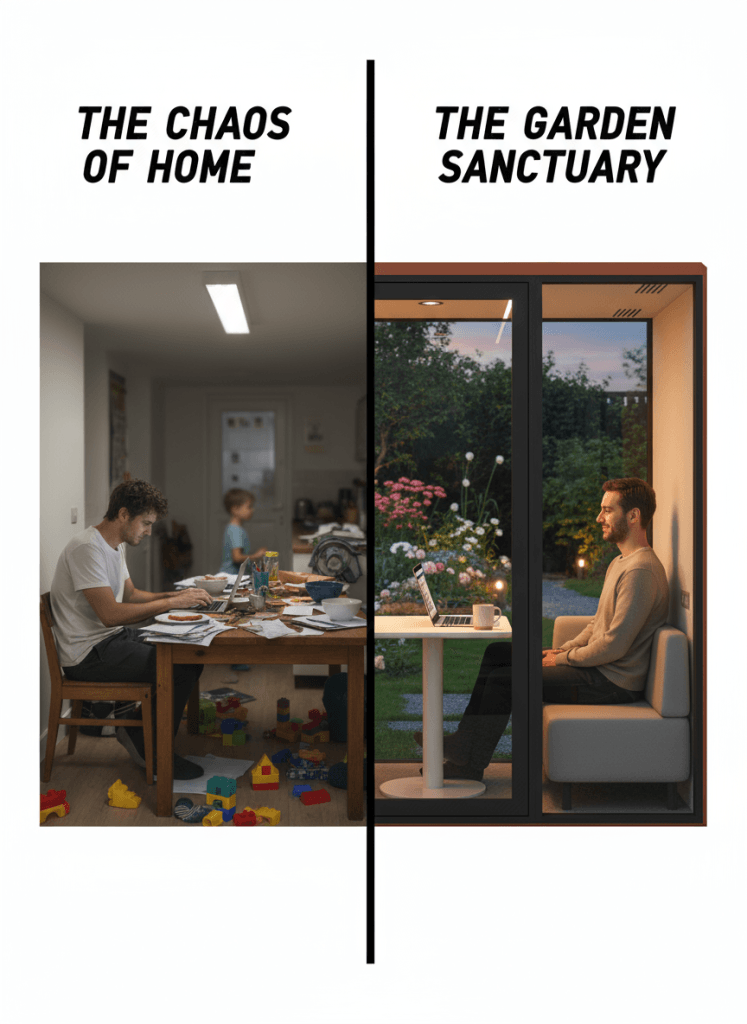
Table of Contents
Step 1: Reclaim Control Right Now with Digital Discipline Hacks
Before we build walls, let’s secure the perimeter. Digital distractions are the most pervasive and insidious thieves of our attention. The constant barrage of notifications creates a state of “continuous partial attention,” making deep work impossible.
Use digital controls to reduce interruptions at their source. Start with recurring alerts, then review which messages need an immediate response and which can be checked between work sessions. For a broader workplace distraction review, distinguish notifications, interruptions from other people, and the surrounding sound environment. That diagnosis helps you decide what a change of workspace would actually solve.
Your Digital First-Aid Kit:
- Ruthless Notification Pruning: Go into your phone and computer settings and turn off every notification that is not mission-critical. A social media “like” does not require your immediate attention. Be brutal. The goal is to transform your devices from screaming toddlers into silent, obedient tools.
- The Focus Block Method: Use a timer to work in focused, uninterrupted sprints. The Pomodoro Technique (25 minutes on, 5 minutes off) is a great start. During these blocks, there are no exceptions: no email, no phone, no “quick look” at the news.
- The Two-Device Strategy: If possible, dedicate one device purely for work and another for personal use. Creating this physical separation for your digital life prevents you from “accidentally” opening a distracting app on your work machine.
| Digital Distraction | The “Band-Aid” Hack | The Deeper Benefit |
|---|---|---|
| Random Notifications | Turn off all non-essential alerts. | Reduces the cognitive load of anticipating and ignoring interruptions. |
| Endless Multitasking | Use the “Focus Block” method. | Trains your brain to enter a state of deep focus for sustained periods. |
| Social Media Vortex | Use a separate device for personal use. | Creates a physical barrier that requires conscious effort to cross. |
Step 2: How to Turn Your Family from a Source of Distraction into Your "Focus Allies"
Family interruptions often come from a place of love, but they are devastating to your workflow. The problem is that verbal boundaries are invisible, while family interactions are instinctive. When your family sees you at the kitchen table, their brain registers “available,” no matter what you say.
The key is to replace invisible verbal cues with powerful, unmissable physical signals. You need to make your work status tangible.
Creating Clear, Physical Boundaries:
- The “On-Air” Light: Purchase a simple, USB-powered red light and place it outside your workspace. When the light is on, it means you are in a focus block and cannot be disturbed except for a true emergency. This visual cue is far more effective than a closed door for children.
- Establish “Office Hours”: Communicate clear, predictable work periods to your family. For example, “I am in deep work mode from 9 AM to 11 AM, but I am completely available for you during my break at 11.” This manages expectations and gives them a specific time to connect with you.
- The Shutdown Ritual: At the end of your day, perform a clear “shutdown ritual.” Close your laptop, put away your notes, turn off your “On-Air” light, and physically leave your workspace. This signals to both your family and your own brain that “work Dad/Mom” has left and “family Dad/Mom” has arrived.
Pro Tip: Involve your family in creating these boundaries. Frame it as a team effort: “How can we work together so I can finish my work faster and we can have more quality time together?” This shifts the dynamic from you imposing rules to the family collaborating on a shared goal.
Digital hacks and family boundaries are about managing distractions. Physical separation is about eliminating them. This is the move from defense to offense, and it is the only strategy that provides a permanent solution to the core challenges of working from home.
Research is overwhelmingly clear: professionals with a dedicated, separate workspace report 2.3 times longer periods of deep focus and a 70% reduction in time lost to task-switching.
Step 3: Decide whether a separate workspace would help
A physical boundary can be useful when calls, household movement, or shared-room activities repeatedly interrupt work. It gives the household a visible distinction between a working area and a shared area, but it still needs agreed rules for interruptions and suitable equipment for the tasks inside.
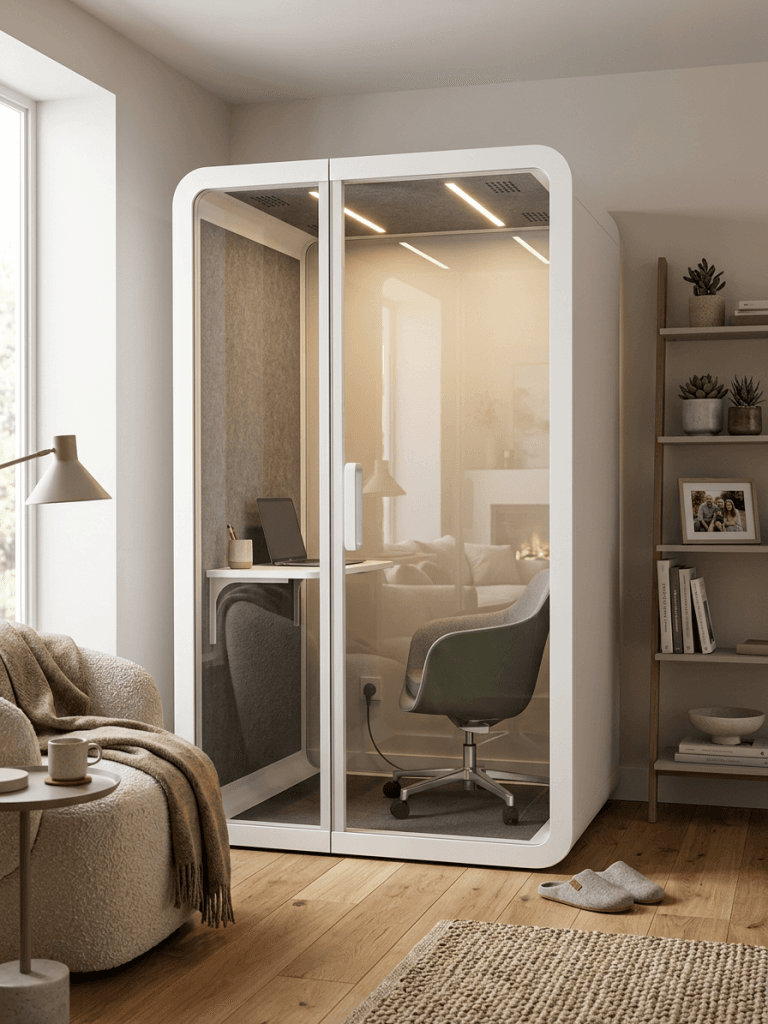
Check the options in the home first. A room with a usable door, a revised furniture arrangement, or a suitable indoor enclosure may address the problem without an outdoor project. Compare the available space with an indoor home work pod only when its footprint, access, assembly area, ventilation, and daily use fit the room.
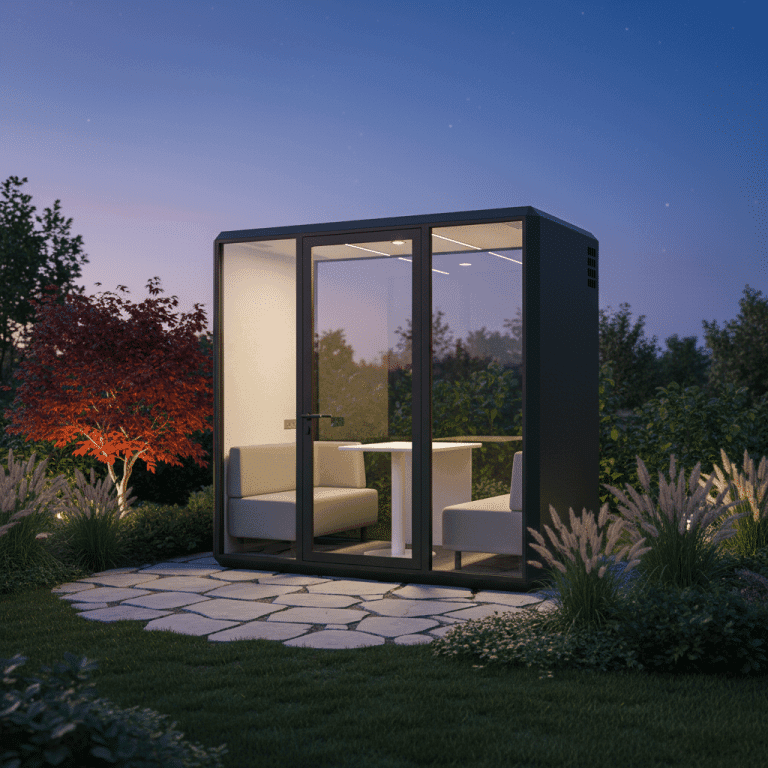
Where a separate outdoor workplace is appropriate, compare garden office pods against the site, delivery route, services, expected working hours, and required acoustic performance. Keep the digital and household routines that already help; moving the workstation does not remove those sources of distraction.
Leveling Up Your Current Space: Optimizing Your Work Corner
If a separate office is not practical, improve the current work corner around the tasks you need to complete. Review the work surface, seating, screen position, lighting, and the route past the desk. Then identify whether the sound problem is room echo, recurring interruptions, or a conversation that needs privacy. The comparison of office sound masking and acoustic pods explains why background sound and an enclosure serve different purposes. Headphones may help a listener in some situations, but they do not provide a private place for the user’s spoken conversation.
| Optimization Strategy | How to Implement It | Estimated Cost | Impact |
|---|---|---|---|
| Absorption (Reduces Echo) | Hang thick curtains, lay down a rug, or mount acoustic felt panels on the wall behind you. | $50 – $300 | Makes your voice sound clearer on calls and reduces harsh sound reflections. |
| Blocking (Stops Noise) | Install a solid-core door if possible. At a minimum, use a high-quality door bottom seal strip to block the gap. | $20 – $400 | The single most effective low-cost way to reduce noise at your home office. |
| Masking (Covers Distractions) | Use a dedicated white noise machine (not an app). | $20 – $60 | A constant, soothing background sound makes sudden noises (like a car horn) less jarring. |
When a garden office is a suitable option
A garden office can provide a distinct work setting when the household lacks a suitable indoor room and the property can accommodate the project. Review the garden office planning guide for site access, foundation, power, network connection, and comfort questions before comparing finishes.
Assess acoustic performance for the intended task and location. Ask for evidence covering the specified construction, doors, glazing, and ventilation arrangement, and consider sound both entering and leaving the workspace. An enclosure should not be described as providing total isolation or guaranteed freedom from interruption.
Compare insulation, ventilation, lighting, and the workstation layout against expected session length and local conditions. The useful outcome is a space that supports the work comfortably and consistently. Do not assume a fixed productivity increase, improvement in wellbeing, or uplift in property value from installing it.
Is a Garden Office Pod More Complex or Expensive Than You Think? Let's Debunk the Myths
Many people hear “garden office” and imagine a lengthy, complex construction project. This is a decade-old misconception. Modern pods are prefabricated, modular solutions.
| Common Myth | The Reality |
|---|---|
| “It requires a massive construction project.” | Most pods are modular and can be installed by a professional team in 1-2 days with minimal disruption. They often don’t require a permanent foundation. |
| “It’s incredibly expensive, like a home extension.” | The cost is typically 20-30% of a traditional home extension. When you factor in the productivity gains and potential tax benefits, the ROI is extremely compelling. |
| “I’ll need to deal with permits and regulations.” | In many regions, structures under a certain size (e.g., 100-120 sq. ft.) do not require a building permit. Reputable suppliers can advise on your local regulations. |
| “It’s just a shed; it will be cold in winter.” | Professional-grade pods are built with high-performance insulation, double-glazed windows, and integrated heating/cooling systems, making them comfortable year-round. |
Compare the full cost with realistic alternatives
Build the budget from the quoted enclosure and the work required to put it into use. Include site preparation, permissions, services, delivery access, installation, furnishings, and ongoing maintenance where applicable. Compare that total with improving an existing room or using workspace outside the home.
Use your own expected frequency of use and local costs. If you attach a financial value to recovered working time, state the assumption and test it against actual work rather than treating every quieter hour as additional income. A purchase should stand on a realistic use case and affordable project scope, without relying on a promised payback period or resale gain.
Test the changes against your working day
Start with the interruption that most often prevents a specific task, make one practical change, and check the result during normal working hours. Keep effective digital settings and household agreements, then assess whether the remaining problem needs a different physical setting.
If a separate workspace is justified, choose it around the task, available space, access, services, and comfort requirements. Review the result after use: whether calls can be completed, interruptions are reduced, and the workspace remains practical for the household. Those observations provide a better basis for further changes than a promise of a completely distraction-free home.
In many areas, accessory structures under a specific square footage (often around 100-150 sq. ft. or 10-12 sq. meters) do not require a permit. However, this varies greatly by location. Always check with your local municipal authority. A reputable supplier can often provide guidance.
Professional pods are pre-wired with electrical outlets, lighting, and data ports. The connection is typically run from your main house to the pod via a shielded, outdoor-rated cable, which can be done by a qualified electrician.
Absolutely. Look for pods built with high-quality structural insulated panels, double-pane windows, and options for integrated mini-split heating or air conditioning units. Proper insulation is the most critical feature for year-round comfort.